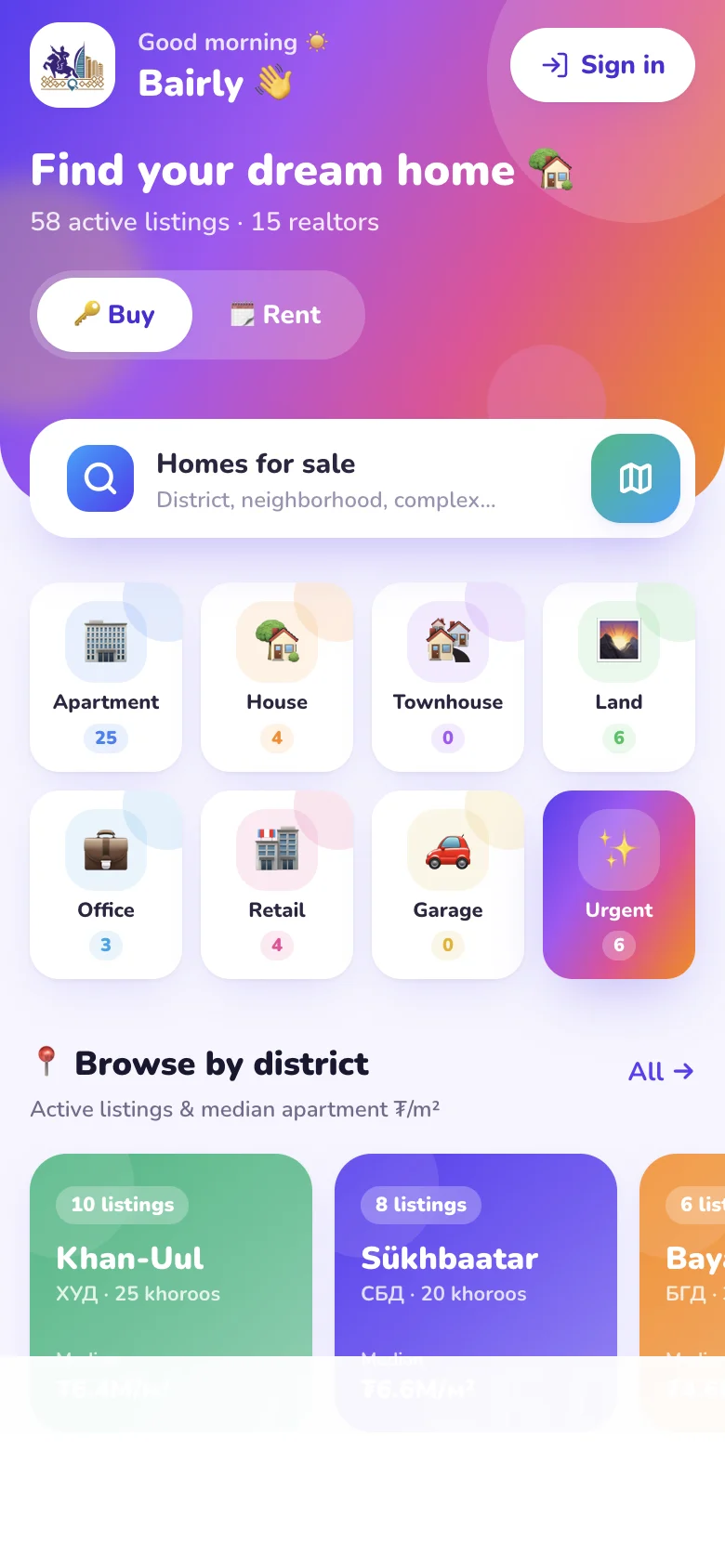
🍎 iPhone
The store app is coming soon. Until then, add Bairly to your home screen and use it like an app:
Add to your home screen
- Open bairly.mn in Safari on your iPhone.
- Tap the Share button at the bottom (the square with an arrow pointing up).
- Choose “Add to Home Screen” in the menu.
- Tap “Add” at the top right — the Bairly icon appears on your home screen.
🤖 Android
The store app is coming soon. Until then, add Bairly to your home screen and use it like an app:
Add to your home screen
- Open bairly.mn in Chrome on your phone.
- Tap the “⋮” menu at the top right.
- Choose “Add to Home screen” or “Install app”.
- Tap “Add” to confirm — the Bairly icon appears on your home screen.
💻 On a computer? Point your phone’s camera at the QR code on this page — the right store, or Bairly itself, opens straight away.
🔑 Then open Bairly and sign in with your phone number or email — no password, we send you a code.